
 Advertisement
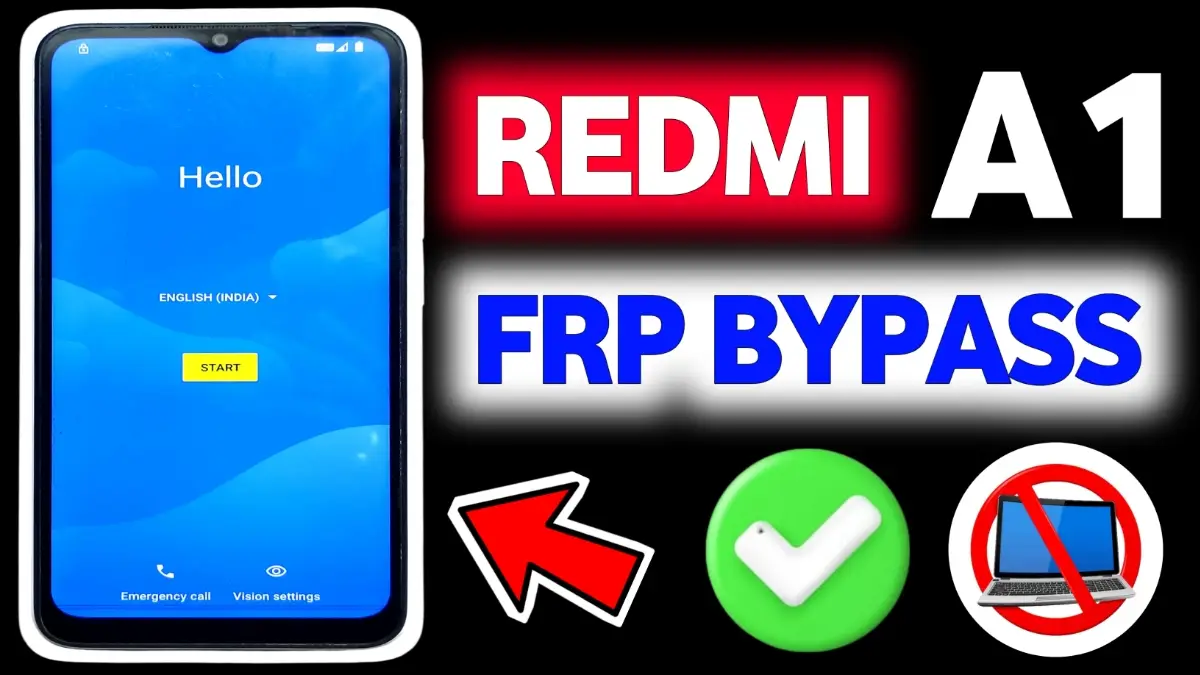
Unlock your Redmi A1 frp bypass 2025 or Redmi A1+ easily with this updated 2025 FRP Bypass guide. Works on Android 12 Go Edition and YouTube Update. Simple, safe, and step-by-step solution.
Redmi A1 FRP Bypass is one of the most searched topics, especially in 2025, as many users face Google account lock issues after resetting their phone. Whether your device is running Android 12 Go Edition, Android 12, or the latest Android 14, this guide provides a 100% working method to unlock your Redmi A1 or Redmi A1+ without any technical skills. Below, you will find updated solutions that work even after the latest YouTube update, where older methods no longer function.
Subrata Service Center FRP Bypass Tools (2025 2026)
FRP Bypass APK Download
What is FRP on Redmi A1
Factory Reset Protection (FRP) is a Google security feature that prevents unauthorized access after a hard reset. Once FRP is activated, you must log in using the previously synced Google account. If you forget the password, your Redmi A1 becomes locked.
Bypass FRP Redmi A1 2025 – Working Solutions
FRP Bypass Using Emergency Call Trick
- Turn on your Redmi A1.
- Go to Emergency Call.
- Dial ##6484##** (engineering mode – works on some builds).
- Navigate to Settings → Apps → YouTube.
- Open YouTube → Help & Feedback.
- Tap Use Browser → Open Chrome.
- Download FRP Bypass APK and install it.
- Sign in with any new Google account → Restart.
This method works on Android 12 Go Edition and some Android 12 builds.
FRP Bypass Redmi A1 via YouTube Update Method
If YouTube has been updated and the Settings option is hidden, use this method:
- Connect to WiFi.
- Go back to the welcome screen.
- Tap Accessibility → Accessibility Menu.
- Enable the menu and open the Shortcut.
- Navigate to Settings → Apps → YouTube.
- Tap Open YouTube → Help → Browser Sign-in.
- Install FRP APK → Login.
Bypass Redmi A1 Android 14 (New Security Patch)
For devices running Android 14 or higher security patches:
- Go to Emergency Call.
- Type www.youtube.com using dialer keyboard (link suggestion appears).
- Tap the link → Browser opens.
- Install FRP APK via Chrome.
- Complete installation → Add new Google account → Reboot.
A1+ FRP Bypass (Also Supported)
The same steps work for Redmi A1+ (Plus) running Android 12 or 12 Go Edition. All APK files and methods remain compatible.
FRP (Factory Reset Protection) is a Google security feature that activates automatically when a Google account is added to the device. After a factory reset, the phone asks for the previously synced Google account to prevent unauthorized use.
Yes, in some cases Redmi A1 FRP can be bypassed without using a PC by using phone settings, accessibility options, or system apps—depending on the Android version and security patch.
No. FRP bypass success depends on:
• Android version
• MIUI / software update
• Security patch level
New updates may block older methods.
If the method fails:
• Try an updated method compatible with your Android version
• Use official Google account recovery
• Visit an subrata service center
















