
 Advertisement
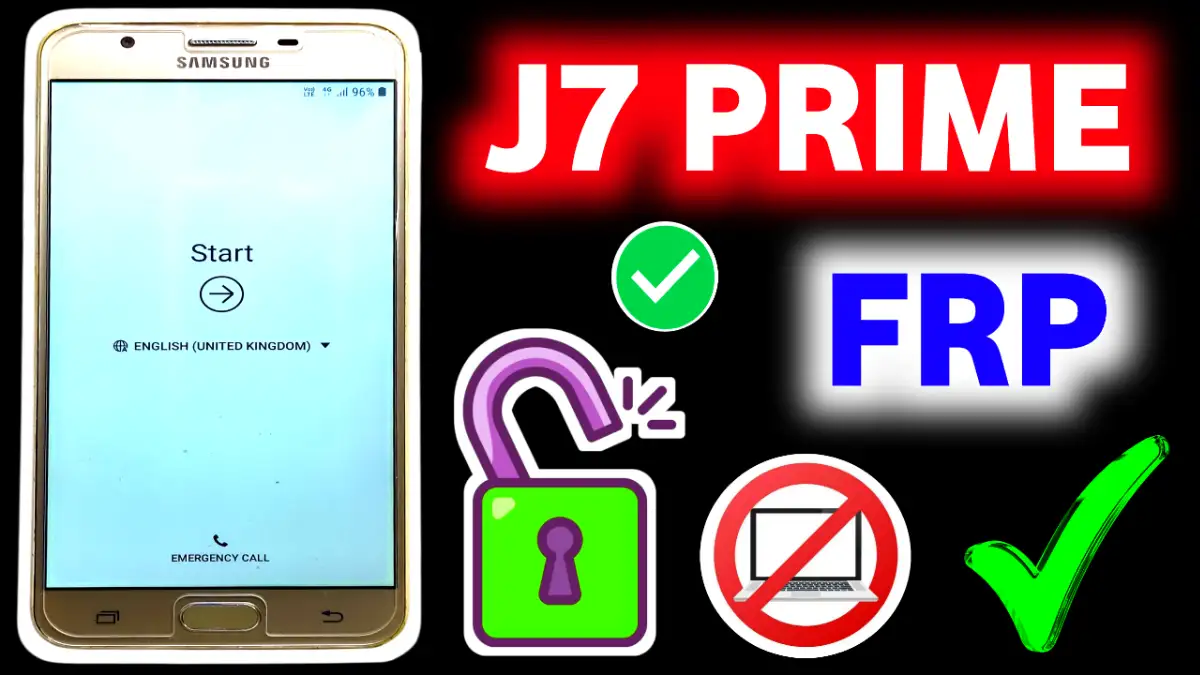
Learn, how to bypass Samsung J7 Prime frp bypass without pc. Don’t remember the old Google account ? You’re in the right place! This article shows you how to bypass J7 prime FRP without using a PC, cables, or tools — you just need your phone and a working Wi-Fi connection. Tested and working in 2026
What Is FRP Lock on Samsung J7 Prime Series?
FRP (Factory Reset Protection) is a built-in Android security feature that activates after a hard reset. If your phone was synced with a Google account.
What you need to or not:
• No software, OTG, or computer needed.
• A stable Wi-Fi connection needed
Fully tested on 2026 firmware update versions.
Read More: Xiaomi HyperOS FRP Bypass 2026
Samsung J7 Prime FRP Bypass step by step solution
Step 1: wifi connection required
• Start Device & Connect with a stable Wi-fi connection
Step 2: Enable TalkBack
On the welcome screen, tap “Accessibility” > “Vision” > “TalkBack”.
Enable TalkBack and use two fingers to swipe on the screen.
Step 3: Access TalkBack Settings (bypass frp j7 prime)
Draw an “L” shape on the screen.
When the global context menu appears, double-tap TalkBack Settings.
Disable TalkBack by holding both Volume Up + Down for a few seconds.
Step 4: Open YouTube
In TalkBack Settings, go to Help & Feedback.
Tap on an article like “Use Morse Code”.
Long-press text, tap Share > YouTube icon.
Step 5: Enter Chrome via YouTube (j7 prime frp bypass)
In YouTube, tap the user icon > Settings > About > Google Privacy Policy.
Chrome browser will open.
Step 6: Download Bypass APK Files (subrata service center)
In Chrome, search subrataservicecenter.com download files,the following apps:
👉 Google Account Manager (Android 6/7/8 depending on your firmware)
👉 QuickShortcutMaker APK
🔍 FRP Bypass APK
Step 7: Install & Open Quick Shortcut Maker ( frp j7 prime)
Enable Unknown Sources if prompted.
Install Google Account Manager first, then Quick Shortcut Maker.
Open QuickShortcutMaker, find Google Account Manager > Type Email and Password.
Tap Try > tap the 3-dot menu > select Browser Sign-In.
Step 8: Sign In with New Google Account
Enter your new Gmail ID and password.
After successful sign-in, restart the device.
After Restart:
Your J7 Prime or G610F will boot normally.
Setup will complete without asking for the old account.
Conclusion
This no-PC FRP bypass works across Samsung J7 Prime, J7 Prime 2, and G610F models with 2026 firmware. If this method fails (due to updated patches), then flow our youtube channel subrata service center for alternative FRP BYPASS solution ✅
FRP (Factory Reset Protection) is a Google security feature that activates automatically when a Google account is added to the device. After a factory reset, the phone asks for the previously synced Google account to prevent unauthorized access.
Yes, in some cases Samsung J7 Prime FRP can be bypassed without using a PC, depending on:
• Android version
• Security patch level
• Available system options
Success may vary from device to device.
Samsung J7 Prime usually runs on Android 6, 7,8,9 or 10. Older Android versions have a higher chance of supporting non-PC methods compared to updated security patches.
Before factory resetting:
• Go to Settings
• Remove the Google account
• Disable screen lock
This prevents FRP from activating.
The safest option is:
• Recover your Google account via Google’s official recovery page
• Or visit Youtube Channel subrata service center for frp solution
















