
 Advertisement
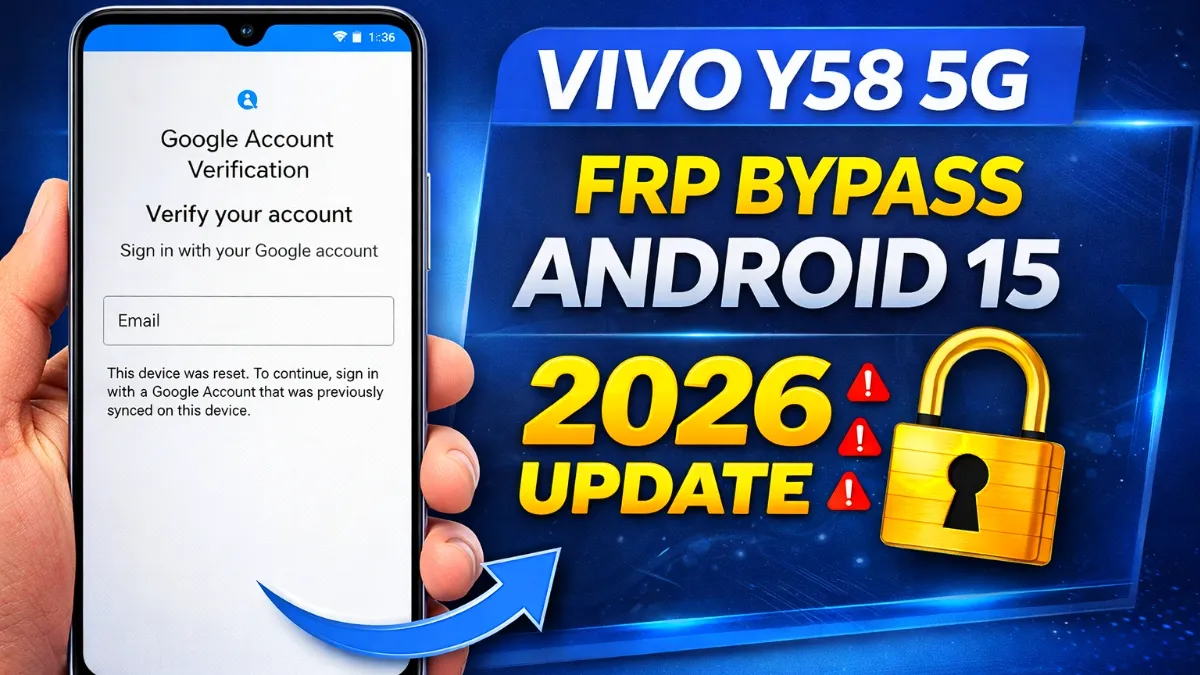
If your phone is asking for the previous Google account after a reset, this Vivo Y58 5G FRP Bypass Android 15 guide will help you solve the problem easily. Factory Reset Protection (FRP) is a security feature that prevents unauthorized access after a factory reset. However, if you forgot the Google account details, you may get stuck on the verification screen.
In this article, you will learn how to bypass Google Vivo Y58 5G Android 15, remove Google account verification, and unlock your phone without using a PC. Follow the steps carefully to complete the Vivo Y58 5G FRP bypass Android 15 guide successfully.
Read More: Bypass Google Verification Redmi Note 7 Pro
What is Vivo Y58 5G FRP Bypass Android 15?
Vivo Y58 5G FRP bypass Android 15 is a method used to remove Google account verification after a factory reset. When the device asks for the previously synced Google account, users cannot access the phone without entering the correct login details.
By using accessibility settings, Easy Share, and Activity Launcher, you can bypass Google verification Vivo Y58 5G Android 15 and access the device normally.
This process is commonly used in Android phone unlock service, Google account recovery, and mobile repair solutions.
Requirements Before Starting
Before performing Bypass Google Vivo Y58 5G Android 15, make sure you have:
• stable WiFi connection
• Another Android phone
> Easy Share installed on the second phone
> Activity Launcher APK file
These tools help complete the Google account verification bypass process quickly.
Vivo Y58 5G FRP Bypass Android 15 Step-by-Step
1. Connect to WiFi and Enable TalkBack
First, connect the device to a stable WiFi network.
Then press Volume Up + Volume Down together to enable TalkBack.
Now draw an L shape gesture on the screen and open Screen Search.
2. Access Braille Keyboard Settings
Next, tap the keyboard globe icon and enable the Braille keyboard.
Type letters A, B, C, and D using the Braille keyboard method to continue the process.
After that:
• Open Settings
• Turn TalkBack OFF
• Go back and open Braille Display
3. Enable Accessibility Menu (Vivo Y58 5G FRP)
Now follow these steps:
• Open Accessibility Menu
• Turn on Accessibility Menu Shortcut
• Allow all permissions
Then tap the Accessibility Shortcut and open Google Assistant.
4. Open Easy Share
Using Google Assistant, say:
“Open Easy Share.”
After Easy Share opens:
• Go to File Transfer
• Tap Receive
> Allow permissions
> Wait for sender device
5. Send Activity Launcher APK
On the second phone:
Install Easy Share
Send Activity Launcher APK to the locked Vivo Y58 5G
After receiving the file:
• Install Activity Launcher
• Open the app
6. Open Guest Mode (Vivo Y58 5G FRP Bypass)
Inside Activity Launcher:
Tap Android Setup
Select Setup Wizard Orchestrator
Tap Launch Activity
Select Guest Mode
Now the phone will open in normal guest mode.
7. Exit Guest Mode
Next:
Go to Settings
Tap Users & Accounts
Select Multiple Users
Tap Exit Guest Mode
After exiting guest mode, return to Setup Wizard.
8. Launch Setup Wizard (vivo y58 5g frp)
Now:
Select Setup Wizard Activity
Tap Launch Activity
Your phone will return to the FRP home screen.
9. Complete Setup
Finally:
• Tap Start
• Choose Offline Setup
Finish the remaining setup process
Congratulations! Your Vivo Y58 5G FRP bypass Android 15 process is now successfully completed.
Conclusion
This method helps users remove Google account after factory reset and fix Google account sign-in problems easily. The Vivo Y58 5G FRP bypass Android 15 guide uses accessibility features and Activity Launcher to unlock the device without PC.
Many technicians also use similar techniques in Android FRP unlock tools, mobile phone unlock software, and mobile repair software.
FAQ
You can bypass Google Vivo Y58 5G Android 15 without PC by using accessibility features like TalkBack, Braille keyboard settings, Easy Share, and Activity Launcher. After sending the Activity Launcher APK from another phone, you can open setup activities and complete the FRP bypass process.
Yes, you can remove Google account after factory reset by completing the FRP bypass steps. Once the process is finished, you can set up the device with a new Google account and use the phone normally.
Yes. Many users use this method to fix Google account sign-in problems when they forget their login details. After bypassing FRP, you can add a new Google account and use the phone normally.
• Activity Launcher APK
• Easy Share file transfer
Yes, bypass Android 15 frp guide is safe when used on your own device or with the owner’s permission. It simply helps fix Google account sign-in problems after a factory reset.
After resetting the device, Google Account Verification is activated for security reasons. This feature protects your phone from unauthorized access. If you forget the previously synced Google account, you must complete the Google Account Verification Bypass process.
















