
 Advertisement
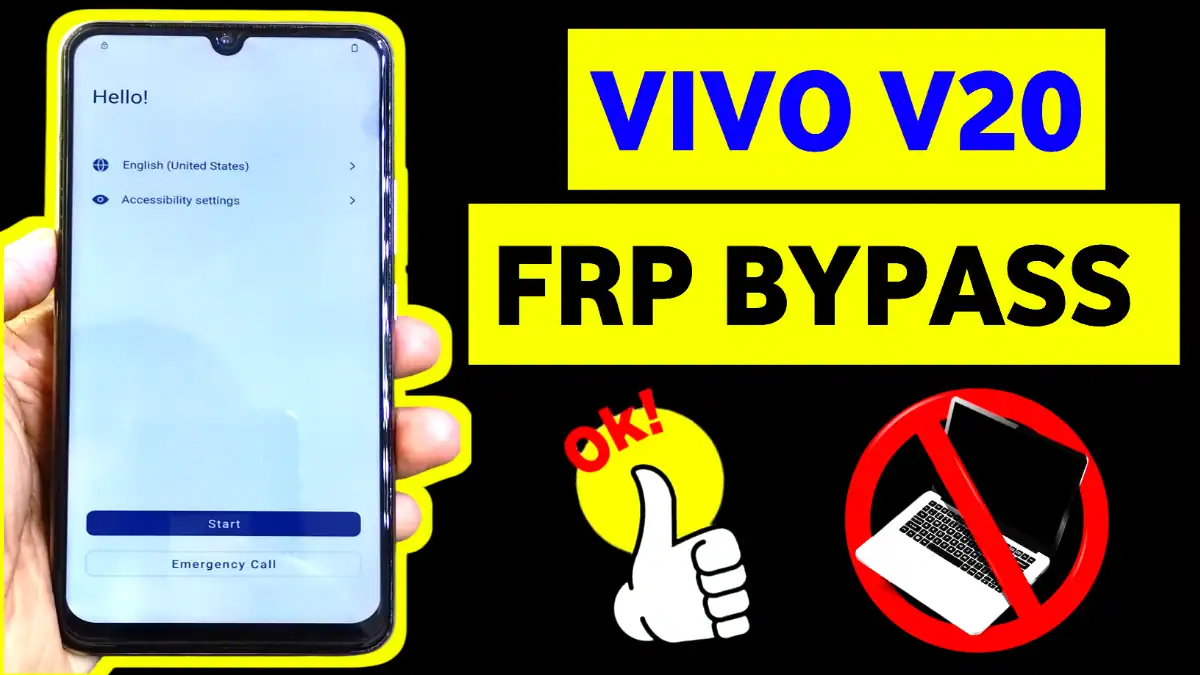
Vivo V20 FRP unlock in 2025 without PC! Step-by-step guide for vivo v20 frp bypass Android 12/13 using Activity Launcher. Remove Google account easily—100% working method on latest updates 2025. Free guide now!
No risky APKs or PC needed—just follow these steps to remove the Google account lock and regain full access. Works on all Vivo V20 variants (PD2066F). We’ve tested it on fresh 2025 security patches for 100% success.
Why Vivo V20 FRP Lock Happens
Factory Reset Protection (FRP) secures your Vivo V20 by linking it to the last Google account. Forgetting credentials post-reset? Common issue for technicians and users alike. Our vivo v20 frp bypass skips verification without data loss.
Android 12 vs. Android 13 Differences
- Android 12: Easier TalkBack exploit.
- Android 13: Updated with Activity Launcher for stability.
Step-by-Step Vivo V20 FRP Bypass Without PC (2025)
- Stable Wi-Fi connection.
- Download Activity Launcher APK via browser (safe link in steps).
- USB OTG if needed (optional).
Method 1: Activity Launcher (Android 13)
- Power on Vivo V20—stuck at Google verification? Connect Wi-Fi.
- At setup, “hold volume up + volume down button” together for on TalkBack menu (voice feedback enables).
- Draw L-shape: voice assistant Menu will open. Select “TalkBack Settings” > “Help & Feedback.”
- Search “YouTube” > open video > Share > 3 dots > Browser opens.
- Download Activity Launcher APK from trusted source (subrata service center) website.
- Install via Files app. Open Activity Launcher > Search “Google Account Manager.”
- Launch “Notification Access” > Enable. Go back, open Settings > Accounts > Remove Google lock.
- Restart—setup complete! Vivo v20 google account remove done.
Method 2: Quick Shortcut (Android 12)
Use Accessibility Menu: Enable via google assistant Menu to open youtube app, then access Chrome to Subrata service center website for APK download “Quick Shortcut maker”. Then open app and type “Factory Test” and then a menu will appear select Back to Home menu, the FRP will remove successfully.
Final Tips for Success
Backup first if possible. For Subrata Service Center: Share this information in YouTube tutorials. Latest Update only for you
Yes, tested on Funtouch OS 13/14 with Android 13.
Absolutely, as shown.
Activity Launcher is one of the most trusted apps for Vivo V20 Google account remove in 2025
Restart the phone and try again
Flow subrata service center youtube tutorial for supported method
Check Android version and security patch
Follow updated steps carefully
No. Once you successfully remove the Google account and add a new one, FRP will not return unless you factory reset the phone again.
Read More: Realme C11 FRP Bypass Without PC
















