 Advertisement
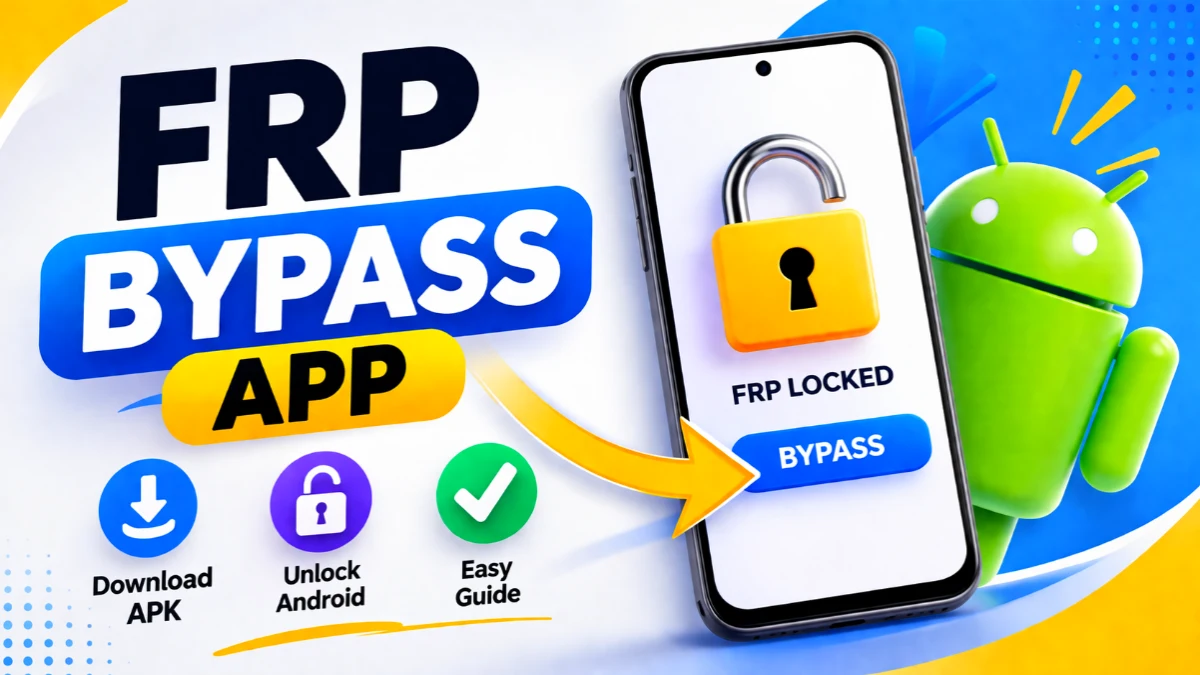
If you are stuck on your Android device due to Google verification, then the FRP bypass app can be your ultimate solution. After a factory reset, many users face the FRP (Factory Reset Protection) lock, which requires the previously synced Google account. However, using a trusted FRP bypass APK, you can regain access quickly and safely.
Moreover, this guide explains everything step by step, so even beginners can understand how to use the FRP bypass download tools effectively.
Read More: Finance Lock Phone Unlock
What is FRP Bypass APK?
Understanding the Tool (frp bypass app)
what is FRP bypass APK question is very common among Android users. Simply put, it is a tool that helps remove Google account verification after reset.
In addition, tools like Google Account Manager 9.0 APK and other professional FRP bypass APK solutions make the process smoother.
-
- Open
 Samsung Galxy Store
 - Open
 Google Quick Search Box
 - Open
 Settings App
 - Open
 Set Screen Lock
 - Open
 YouTube App
 - Open
 Samsung My Files
 - Open
 Chrome Browser
 - Open
 Samsung Internet Browser
 - Open
 Calculator
 - Open
 Alliance Shield
 - Open
 Android Hidden Settings
 - Open
 Login Google Account
 - Open
 Home Launcher
 - Open
 ADB
ADB - Open
 Google Maps
 - Open
 USB Settings
 - Open
 *#0*#
*#0*# - Open
 Google Assistant
 - Open
 Gmail
Gmail - Open
 S9 Launcher
 - Open
 Samsung Touch ID
 - Open
 Samsung Secure Folder
 - Open
 Samsung Smart Switch App
 - Open
 Samsung Dialer Call
 - Open
 Palm Store
 - Open
 Xiaomi ShareMe
 - Open
 Mi File Manager
 - Open
 Activity Launcher (Latest Version)
 - APK Activity Launcher (Old
Version Apk)
- Open
 EasyShare App
- APK
EasyShare App {Old Version Apk – Do Not Install New Version)
- Open
 Clone Phone OnePlus
 - Open
 OPPO Phone Clone
 - Open
 Alliance Shield on Galaxy Store
 - Open
 Files Shortcut on Galaxy Store
 - Open
 Accessibility
 - Open
 Motorola Moto
 - Open
 Moto Secure
 - Open
 Moto Hello You
 - Open
 Motorola Launcher
 - Open
 ASUS Phone Clone
- Open
Download APK Files (frp bypass app)
- Alliance Shield.Apk
- Bar Settings.Apk
- Notification Bar.Apk
- Package Manager 70.Apk
- Package Disabler Pro.Apk
- Package Disabler Pro 13.5.Apk
- Google Account Manager 5.0.Apk
- Google Account Manager 6.0.Apk
- Google Account Manager 7.0.Apk
- Google Account Manager 8.0.Apk
- Google Account Manager 8-9-10.Apk
- FRP Bypass.Apk
- FRP Bypass Android 7.Apk
- Test DPC.Apk
- QuickShortcutMaker.Apk
- Apex Launcher.Apk
- Nova Launcher.Apk
- Menu Button.Apk
- ES File Explorer.Apk
- Settings.Apk
- HushSMS.Apk
- Phone Clone.Apk
- File Commander Manager.Apk
- Factory Test.Apk
- XShare App.Apk
- Activity Launcher.Apk
- Palm Store.Apk
How to FRP Bypass APK (Step-by-Step Guide)
Easy Method for Beginners
First, download a reliable free FRP bypass APK from subrata service center.
Next, install the APK using accessibility or browser methods.
Then, open settings and add a new Google account.
Finally, restart your device to complete the process.
As a result, your phone will be unlocked without the previous account.
📥 Best FRP Bypass APP/APK Download Options
Popular Choices
• Subrata FRP Bypass APK – Easy and beginner-friendly
• FRP Bypass APK Tool – Fast unlocking support
> Subrata Service Center FRP Bypass – Trusted solution for advanced users
Furthermore, always ensure you download from safe and verified platforms to avoid security risks.
⚠️ Important Tips Before Using FRP Tools
• Always use updated APK versions
• Avoid unknown or harmful files
• Backup your data whenever possible
• Follow each step carefully
Therefore, you can prevent errors and ensure a smooth unlocking process.
Final Words
In conclusion, the FRP bypass APP guide helps you unlock your Android device without stress. Whether you are using a professional FRP bypass APK or a simple tool, the process becomes easy when done correctly. So, follow this guide and solve your FRP problem quickly.
FAQ
The FRP bypass app/apk is a tool designed to remove Google account verification (Factory Reset Protection) from Android devices after a factory reset. In other words, it helps users regain access to their phone without the previously synced account.
First, download the FRP bypass APK download file.
Then, install it using browser or accessibility method.
After that, add a new Google account in settings.
Finally, restart your device to complete the unlock process.
Some popular options include:
Subrata FRP bypass APK
Professional FRP bypass APK
Tools using Google Account Manager 9.0 APK
These are widely used because they are simple and effective.
Subrata service center FRP bypass refers to a unlock method or tool support that helps users unlock their Android devices easily with guided steps.
If the process fails, try another FRP bypass APK guide, update the APK version, or use a different method. Additionally, ensure you follow all steps correctly.