 Advertisement
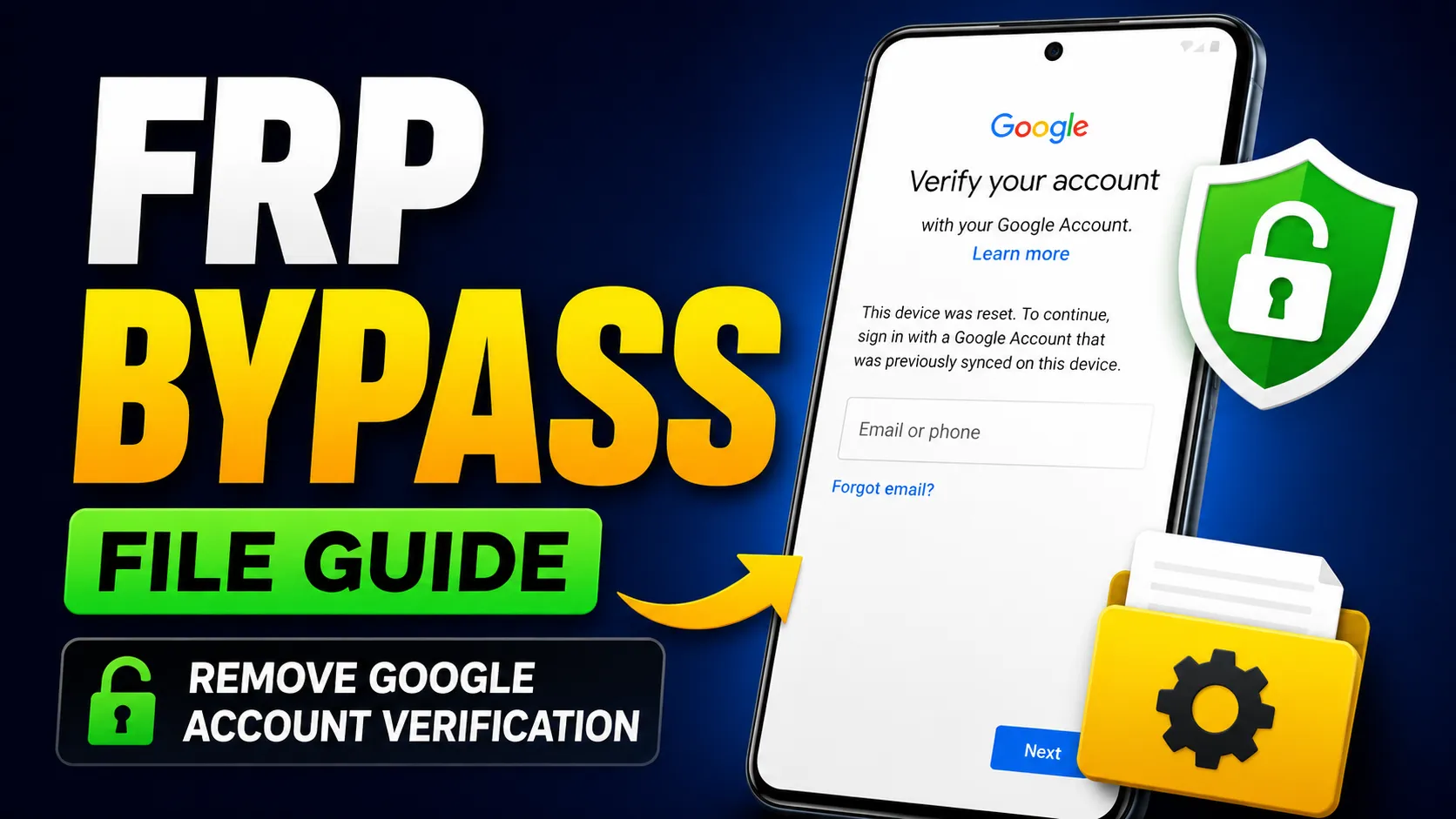
Want to find a FRP Bypass File? After a factory reset on your Android device, you may get locked up with Google account verification. FRP or Factory Reset Protection, is a security feature created by Google to prevent unauthorized users from accessing smartphones. Many users forget their account credentials and lock themselves out of their devices.
A FRP Bypass File can assist users in bypassing the Google account verification screen and regaining access to their Android smartphones. In this guide You will learn about the FRP, How the bypass files work and the most common tools used during the process.
What is Factory Reset Protection (FRP)?
Factory Reset Protection is a security feature on Android, built into the operating system by Google. FRP is automatically triggered when a device is factory reset without the previous synced Google account.So the user has to enter the credentials of the previously linked Google account before accessing the device. This feature adds security, but can get you in trouble if you forget your account information.
READ MORE: FRP BYPASS APP DOWNLOAD
What is the Need for a FRP Bypass File for Users?
Here are some situations where a FRP bypass solution can be helpful:
- Google Account Password Recovery
- Bought second hand phone with FRP lock activated
- Account Credentials Not Recovered Device locked on Google verification screen
- Software repair or flashing account verification removal process.
So, many technicians and smartphone users are looking for reliable bypass solutions.
-
- Open
 Samsung Galxy Store
 - Open
 Google Quick Search Box
 - Open
 Settings App
 - Open
 Set Screen Lock
 - Open
 YouTube App
 - Open
 Samsung My Files
 - Open
 Chrome Browser
 - Open
 Samsung Internet Browser
 - Open
 Calculator
 - Open
 Alliance Shield
 - Open
 Android Hidden Settings
 - Open
 Login Google Account
 - Open
 Home Launcher
 - Open
 ADB
ADB - Open
 Google Maps
 - Open
 USB Settings
 - Open
 *#0*#
*#0*# - Open
 Google Assistant
 - Open
 Gmail
Gmail - Open
 S9 Launcher
 - Open
 Samsung Touch ID
 - Open
 Samsung Secure Folder
 - Open
 Samsung Smart Switch App
 - Open
 Samsung Dialer Call
 - Open
 Palm Store
 - Open
 Xiaomi ShareMe
 - Open
 Mi File Manager
 - Open
 Activity Launcher (Latest Version)
 - APK Activity Launcher (Old
Version Apk)
- Open
 EasyShare App
- APK
EasyShare App {Old Version Apk – Do Not Install New Version)
- Open
 Clone Phone OnePlus
 - Open
 OPPO Phone Clone
 - Open
 Alliance Shield on Galaxy Store
 - Open
 Files Shortcut on Galaxy Store
 - Open
 Accessibility
 - Open
 Motorola Moto
 - Open
 Moto Secure
 - Open
 Moto Hello You
 - Open
 Motorola Launcher
 - Open
 ASUS Phone Clone
- Open
Download FRP Bypass APK file
FRP bypass APK tools are supported on many Android devices. They are installed during the bypass process and offer shortcuts to important settings.
Some common methods are:
- FRP Bypass APK
- Quick Shortcut Maker
- Activity Launcher
- Google Account Manager Version 10
- Alliance Shield Android Tools
Download APK File for FRP BYPASS
- Alliance Shield.Apk
- Bar Settings.Apk
- Notification Bar.Apk
- Package Manager 70.Apk
- Package Disabler Pro.Apk
- Package Disabler Pro 13.5.Apk
- Google Account Manager 5.0.Apk
- Google Account Manager 6.0.Apk
- Google Account Manager 7.0.Apk
- Google Account Manager 8.0.Apk
- Google Account Manager 8-9-10.Apk
- FRP Bypass.Apk
- FRP Bypass Android 7.Apk
- Test DPC.Apk
- QuickShortcutMaker.Apk
- Apex Launcher.Apk
- Nova Launcher.Apk
- Menu Button.Apk
- ES File Explorer.Apk
- Settings.Apk
- HushSMS.Apk
- Phone Clone.Apk
- File Commander Manager.Apk
- Factory Test.Apk
- XShare App.Apk
- Activity Launcher.Apk
- Palm Store.Apk
Sometimes, users may need a compatible Google Account APK Download package for successful sign-in after bypassing the verification screen.
But support depends on the Android version and your device manufacturer.
Advantages of FRP Bypass Solutions
The advantages of utilising the right FRP bypass method are:
- Get back into your smartphone
- Save time versus full software repair
- Support multi Android brands
- Useful for technicians and service centers.
- Many Android versions supported
Also, the modern bypass tools are compatible with brands like Samsung, Xiaomi, Redmi, Vivo, Oppo, Realme, Motorola, and Nokia.
FRP bypass is legal
FRP bypass is generally designed for legitimate device owners who have forgotten their Google account details. “However, working around security protections on devices that are not your own may be illegal or against policy.Therefore, FRP bypass methods should only be performed on devices that you own or have permission to repair.
Conclusion
A FRP Bypass File may be a handy solution for users who get locked out of their Android devices after a factory reset. If you want to download FRP Bypass File, FRP Bypass APK, or Google Account APK, you can recover your smartphone if you know the process and use compatible tools.
Always use trusted resources, verify the ownership of the device, and follow the instructions specific to your device to have a safe and successful FRP bypass experience.
Disclaimer
This article is for educational and informational purposes only . FRP bypass methods, files, APKs and tools are for use only on devices you own or have the right to fix. We do not encourage unauthorised access to any device. Users may not violate any applicable laws or manufacturer policies. The author and the website are not responsible for any data loss, damage to the device or the use or misuse of the information provided.
Frequently Asked Questions (FAQ)
An FRP Bypass File is a tool or package that allows legitimate device owners to bypass Google account verification (Factory Reset Protection) after a factory reset when they are unable to access their original Google account.
Yes, there are some Android phones that support FRP bypass methods without PC. Usually users use FRP Bypass APK Download tools or accessibility mode to complete the process.
There are FRP bypass methods available for many popular Android brands like Samsung, Xiaomi, Redmi, Poco, Vivo, Oppo, Realme, Motorola, Nokia and Tecno devices.
Google Account APK Download is all about installing a compatible Google Account Manager app that can assist you with some FRP bypass methods depending on your Android version.
Some of the modern FRP bypass methods support Android 14 and Android 15. However, the process is different for each device model, security patch level and manufacturer updates.
If a method doesn’t work, make sure that you’re using the file that’s correct for your Android version and device model. Newer tools or different procedures may be required for updated security patches.