 Advertisement
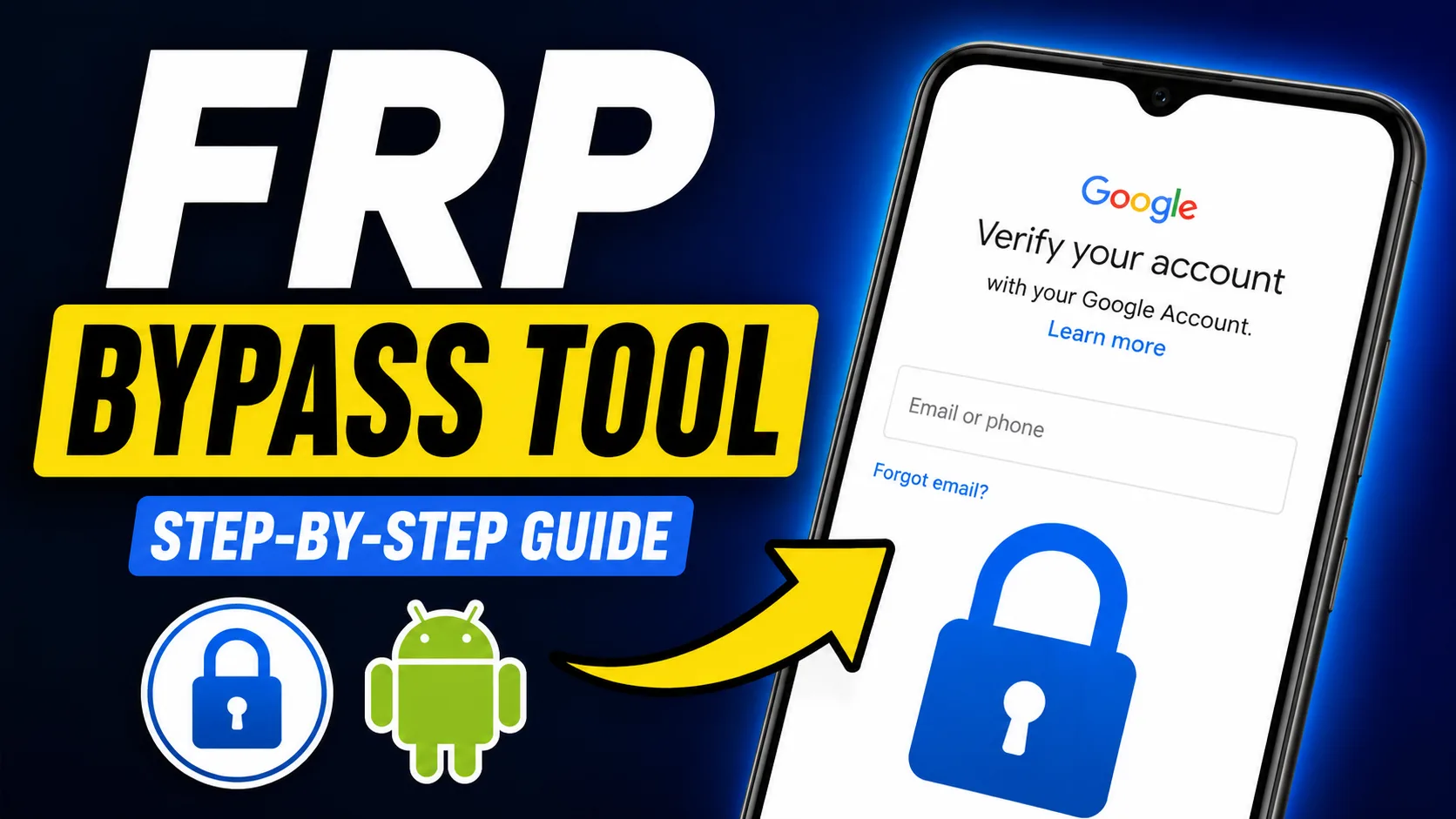
Many users look for a FRP bypass tool when they lose their Google account details after resetting their phones. These tools and resources are designed to help users understand the FRP process, troubleshoot problems with account access and learn about the recovery options that are available.
Factory Reset Protection (FRP) is a security feature on Android devices that prevents unauthorized access to the user data after a factory reset. If FRP is enabled, the device will ask for the Google account credentials that were previously synced before it can be used again.
With more Android devices coming with advanced security protections, terms like frp bypass tool, frp apk, google frp bypass have gained popularity by leaps and bounds.
READ MORE: Android Screen Damage Insurance Claim Process
How FRP Works?
FRP is automatically activated when adding a Google account to an Android phone. And in case you hard reset the device from recovery mode or device settings, the system will prompt you to sign in with the previously linked Google account during setup.
This security layer helps to prevent unauthorised access to lost or stolen devices. FRP can be a pain sometimes to legitimate owners who forget their credentials, but personal information needs to be protected.
FRP Bypass Tools
-
- Open
 Samsung Galxy Store
 - Open
 Google Quick Search Box
 - Open
 Settings App
 - Open
 Set Screen Lock
 - Open
 YouTube App
 - Open
 Samsung My Files
 - Open
 Chrome Browser
 - Open
 Samsung Internet Browser
 - Open
 Calculator
 - Open
 Alliance Shield
 - Open
 Android Hidden Settings
 - Open
 Login Google Account
 - Open
 Home Launcher
 - Open
 ADB
ADB - Open
 Google Maps
 - Open
 USB Settings
 - Open
 *#0*#
*#0*# - Open
 Google Assistant
 - Open
 Gmail
Gmail - Open
 S9 Launcher
 - Open
 Samsung Touch ID
 - Open
 Samsung Secure Folder
 - Open
 Samsung Smart Switch App
 - Open
 Samsung Dialer Call
 - Open
 Palm Store
 - Open
 Xiaomi ShareMe
 - Open
 Mi File Manager
 - Open
 Activity Launcher (Latest Version)
 - APK Activity Launcher (Old
Version Apk)
- Open
 EasyShare App
- APK
EasyShare App {Old Version Apk – Do Not Install New Version)
- Open
 Clone Phone OnePlus
 - Open
 OPPO Phone Clone
 - Open
 Alliance Shield on Galaxy Store
 - Open
 Files Shortcut on Galaxy Store
 - Open
 Accessibility
 - Open
 Motorola Moto
 - Open
 Moto Secure
 - Open
 Moto Hello You
 - Open
 Motorola Launcher
 - Open
 ASUS Phone Clone
- Open
FRP Bypass APK – Latest FRP Bypass APK Download
- Alliance Shield.Apk
- Bar Settings.Apk
- Notification Bar.Apk
- Package Manager 70.Apk
- Package Disabler Pro.Apk
- Package Disabler Pro 13.5.Apk
- Google Account Manager 5.0.Apk
- Google Account Manager 6.0.Apk
- Google Account Manager 7.0.Apk
- Google Account Manager 8.0.Apk
- Google Account Manager 8-9-10.Apk
- FRP Bypass.Apk
- FRP Bypass Android 7.Apk
- Test DPC.Apk
- QuickShortcutMaker.Apk
- Apex Launcher.Apk
- Nova Launcher.Apk
- Menu Button.Apk
- ES File Explorer.Apk
- Settings.Apk
- HushSMS.Apk
- Phone Clone.Apk
- File Commander Manager.Apk
- Factory Test.Apk
- XShare App.Apk
- Activity Launcher.Apk
- Palm Store.Apk
What is FRP APK?
An FRP APK is often defined as an Android app in contexts related to FRP bypass and device setup problems. Many users are looking for terms like:
- frp bypass apk
- bypass frp apk
- frp bypass apk
The searches are often initiated by users looking for information about Android account recovery, help with setting up the device, and FRP-related solutions.
Before you try to recover your account, make sure you are the rightful owner of the device you are using and check the official account recovery options.
Google FRP bypass – How it works
The term Google FRP Bypass is widely used online by users looking for information about how to get into Android devices after a factory reset. In many cases, the problem is that the original Google account credentials are no longer available.
Forgotten Google Password
A user forgot the password associated with a phone and reset it.
Used Device
A used phone could still be connected to the previous owner’s account.
Account has been inactive for a long time
The owner of the device has not used the Google account for a long time and has no recovery information left.
Usually the best thing to do in such cases is to start with account recovery and verification.
frp bypass tool download
A lot of Android users are looking for frp bypass tool download. But before downloading any software, keep the following points in mind:
Verify the Source
Always download files from trusted sources. APK files from unknown sources can be a security threat or may contain malware.
Troubleshooting Check Device Compatibility This may change by Android version & device brand.
Protect Personal Information Don’t give personal information to unknown websites or apps.
Update the Software
Updating software helps improve security and compatibility.
Why FRP is Here
FRP is seen by many as a nuisance, but it was put in place to make Android phones more secure.
Benefits:
Protection from unauthorised device access
Improved security for factory reset
Decreased risk of data theft
Improved security for personal accounts
A lost or stolen Android device could be more easily reset and reused without FRP.
Popular Android Brands with FRP Lock Protection
FRP is available on most of the Android devices including
- Samsung
- Xiaomi
- Vivo
- Oppo
- Realme
- Motorola
- Nokia
- OnePlus
- Google Pixel
The details of implementation may vary, but the objective remains the same: to safeguard user accounts and data.
Tips to Prevent Future FRP Problems
Protect your Google account details
Store account credentials securely and refresh recovery methods periodically.
Add Recovery Options (FRP Bypass Tool)
Add a recovery phone number and recovery email address to your account.
Remove Google Account Before Selling Device
Before selling or gifting a phone, ensure that all Google accounts are deleted and a proper factory reset is performed.
Regularly check account access.
Log in once in a while to ensure that you still remember your credentials.
Frequently Asked Questions (FAQ)
What is a FRP bypass tool?
One of the most discussed topics is FRP bypass tool, a utility related to Android Factory Reset Protection troubleshooting and problems with account access.
What is FRP APK?
A FRP APK is usually an Android app that contains troubleshooting tips and setup help for FRP.
What triggers Google FRP after reset?
Google FRP is an action that happens when a device does a factory reset and needs verification through the account it was previously synced with, the Google account.
Does FRP work on all Android phones?
Most modern Android phones from the major manufacturers have Factory Reset Protection.
How to Remove FRP Lock?
Keep recovery info and delete accounts before resetting or transferring a device Update your Google account credentials
Summary
frp bypass tool, frp apk, bypass frp apk, frp bypass apk latest frp bypass, google frp bypass, frp bypass tool download are still very popular among Android users. You can avoid many common problems if you understand how FRP works, why it’s there and how to carefully manage your Google account.
FRP is still one of the most important security features on Android, and it allows users to protect their devices and personal data from unauthorised access.
Disclaimer: The information shared in this article is for educational and information purposes only. Always use FRP related tools and methods on devices you own or have authorisation to service.