 Advertisement
Smartphones are now part of our daily lives because they contain private images, contacts, emails, banking apps, and other sensitive data. Android smartphones have a security feature called Factory Reset Protection (FRP) to protect this critical data. This feature helps prevent unwanted access after a device has been reset. This security layer has led to customers frequently searching for terms like FRP APK, bypass FRP APK, FRP bypass APK Download, and FRP file bypass APK online when they are having problems with account verification on their devices.
If you just factory reset your Android phone and can’t get into it because you forgot your Google account, understanding how FRP works is the first step. This article breaks down FRP protection, FRP APK tools, and vital things to consider before trying any solution.
READ MORE: Realme C11 FRP Bypass
What is Factory Reset Protection (FRP)?
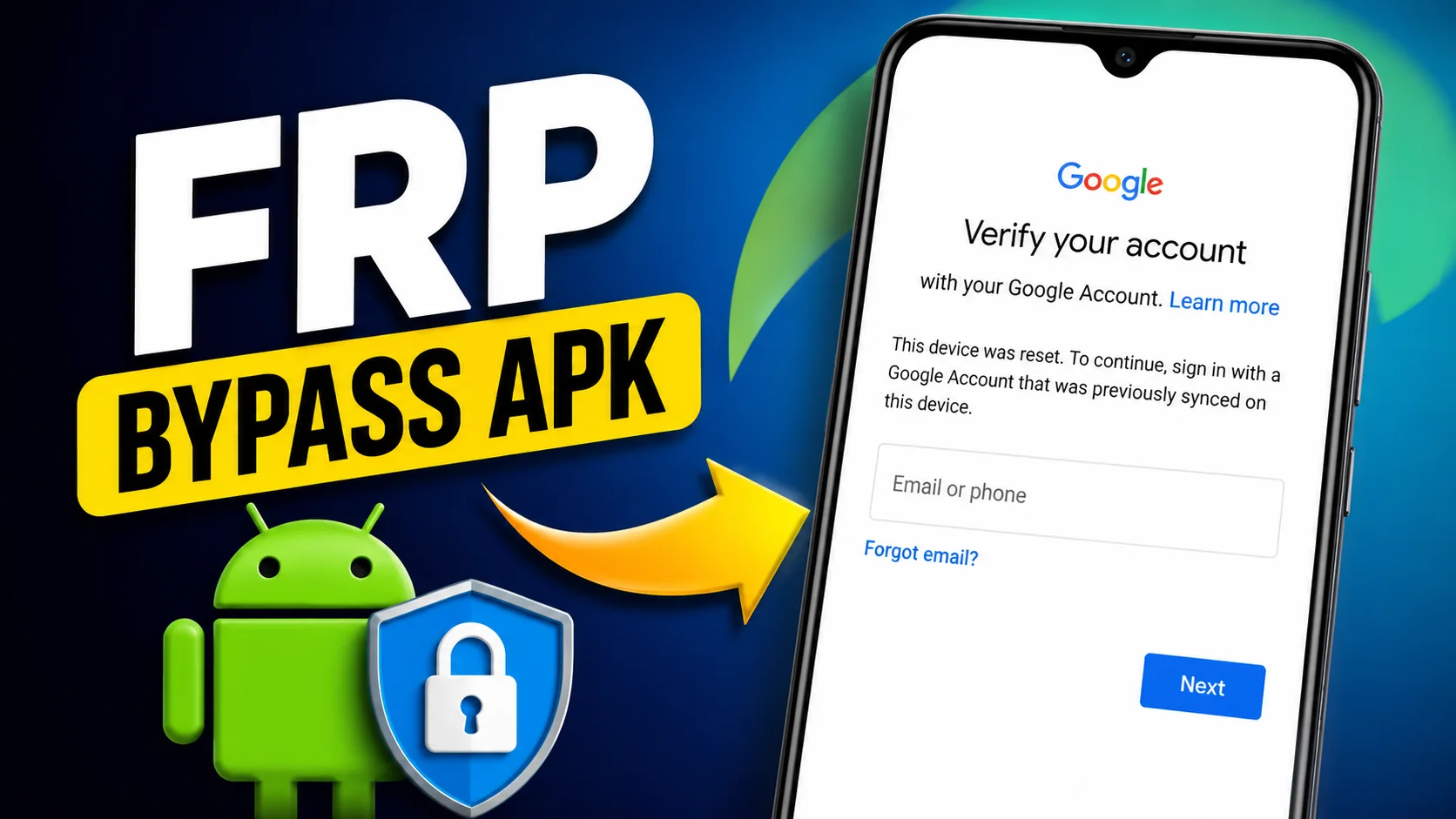
Factory Reset Protection is an inbuilt Android security feature, released by Google, to prevent unauthorized usage of devices. FRP is automatically enabled when an Android phone is associated with the Google account. If the device is reset using recovery mode or any other method, the phone may ask for the credentials of the previously synced Google account to grant access again.
The main purpose of FRP is to prevent theft and protect private data. A person with a lost or stolen phone cannot actually use it without the original account data even if he or she resets it.
Many users forget their Google account details after a reset, so searches for FRP APK and FRP bypass APK newest FRP bypass are becoming more common in Android communities.
FRP APK Tools (FRP Bypass APK Download)
a FRP APK is a software that people discuss when they are trying to access a device that needs a Google account verification. Different websites may present different APK files that claim they will help with account recovery or device setup.
-
- Open
 Samsung Galxy Store
 - Open
 Google Quick Search Box
 - Open
 Settings App
 - Open
 Set Screen Lock
 - Open
 YouTube App
 - Open
 Samsung My Files
 - Open
 Chrome Browser
 - Open
 Samsung Internet Browser
 - Open
 Calculator
 - Open
 Alliance Shield
 - Open
 Android Hidden Settings
 - Open
 Login Google Account
 - Open
 Home Launcher
 - Open
 ADB
ADB - Open
 Google Maps
 - Open
 USB Settings
 - Open
 *#0*#
*#0*# - Open
 Google Assistant
 - Open
 Gmail
Gmail - Open
 S9 Launcher
 - Open
 Samsung Touch ID
 - Open
 Samsung Secure Folder
 - Open
 Samsung Smart Switch App
 - Open
 Samsung Dialer Call
 - Open
 Palm Store
 - Open
 Xiaomi ShareMe
 - Open
 Mi File Manager
 - Open
 Activity Launcher (Latest Version)
 - APK Activity Launcher (Old
Version Apk)
- Open
 EasyShare App
- APK
EasyShare App {Old Version Apk – Do Not Install New Version)
- Open
 Clone Phone OnePlus
 - Open
 OPPO Phone Clone
 - Open
 Alliance Shield on Galaxy Store
 - Open
 Files Shortcut on Galaxy Store
 - Open
 Accessibility
 - Open
 Motorola Moto
 - Open
 Moto Secure
 - Open
 Moto Hello You
 - Open
 Motorola Launcher
 - Open
 ASUS Phone Clone
- Open
It is important to note that not every file online is safe when searching for ways to bypass FRP APK. Outdated software, intrusive advertisements or even malicious modifications are contained in many unofficial downloads. Consumers should always be wary when downloading files from unknown sources.
- Alliance Shield.Apk
- Bar Settings.Apk
- Notification Bar.Apk
- Package Manager 70.Apk
- Package Disabler Pro.Apk
- Package Disabler Pro 13.5.Apk
- Google Account Manager 5.0.Apk
- Google Account Manager 6.0.Apk
- Google Account Manager 7.0.Apk
- Google Account Manager 8.0.Apk
- Google Account Manager 8-9-10.Apk
- FRP Bypass.Apk
- FRP Bypass Android 7.Apk
- Test DPC.Apk
- QuickShortcutMaker.Apk
- Apex Launcher.Apk
- Nova Launcher.Apk
- Menu Button.Apk
- ES File Explorer.Apk
- Settings.Apk
- HushSMS.Apk
- Phone Clone.Apk
- File Commander Manager.Apk
- Factory Test.Apk
- XShare App.Apk
- Activity Launcher.Apk
- Palm Store.Apk
Android manufacturers are always changing their security measures, so tricks that worked on previous Android releases might not work on the latest devices. That’s why lots of people are actively searching for the latest FRP bypass APK options that work with the newest Android updates.
Why People Search for FRP File Bypass APK
There are a number of valid situations in which users may look for information about FRP file bypass APK tools:
- They have forgotten the Google account that was previously linked to the device.
- The account details were lost and the phone was not used for a long time.
- The device was reset by a family member who is unable to recall the initial login credentials.
- This device’s owner has changed his password. This one will take longer to verify.
- A used gadget was bought without properly canceling the account.
In such cases, users tend to look for solutions and how-to articles to understand the verification process and to get access to their own devices.
Important safety tips to keep in mind (frp bypass apk download)
It is important to be aware of the risks involved in using unauthorized software before downloading any FRP APK files. Not every download is safe, and many websites promise quick fixes.
Users should read the community reviews , check the sources of the files carefully , and avoid programs that ask for extraneous rights . Some APK packages claim to provide a simple workaround , but they can expose users to malware or security threats .
The best course of action is to use the official account recovery methods. Users who lose their login details can get back into their accounts using Google’s recovery tools.
Having your device up to date and access to your Google account recovery information can help to greatly reduce the chances that you will experience FRP-related issues down the road.
How to Avoid FRP Problems
in the Future There are some simple things you can do to avoid a lot of FRP lock problems. Before you do a factory reset, make sure you know the Google account that is currently attached to the device. Make sure you can log into the account and update backup email addresses and phone numbers.
If you are able to remove the Google account from the device as well before resetting it. This will help you skip the verification prompts after the reset process is complete.
FRP verification issues are typically less common for users who routinely backup their account information and recovery details.
Concluding Remarks
The search popularity of FRP APK, bypass FRP APK, FRP bypass APK newest FRP bypass, FRP file bypass APK indicates the prevalence of Google account verification issues among the Android users. Although there are many Internet resources that provide a variety of tools and techniques, the device security and account recovery best practices should be given the top priority.
Users can prevent such problems and maintain the security of their devices by understanding how Factory Reset Protection operates. Always use official account recovery options when possible and keep your recovery information current to ensure you can always access your Android device.
FAQ
FRP APKs are generally known as applications that are discussed about Android Factory Reset Protection and account verification problems.
because the device has Factory Reset Protection enabled to protect user data and prevent unauthorized access.
Most modern Android phones from major manufacturers have a feature called Factory Reset Protection.
Yes. If needed, you can do a factory reset by removing the account from the device, and be sure you have your Google account information.
Android security features and device software versions are always changing so users are always looking for the latest information.