 Advertisement
If you lose track of your Google account details or pick up a second-hand phone that’s still locked, you’ll be searching for FRP Bypass APK. Understanding what FRP is and how account recovery works can save you from frustration and keep your device secure.
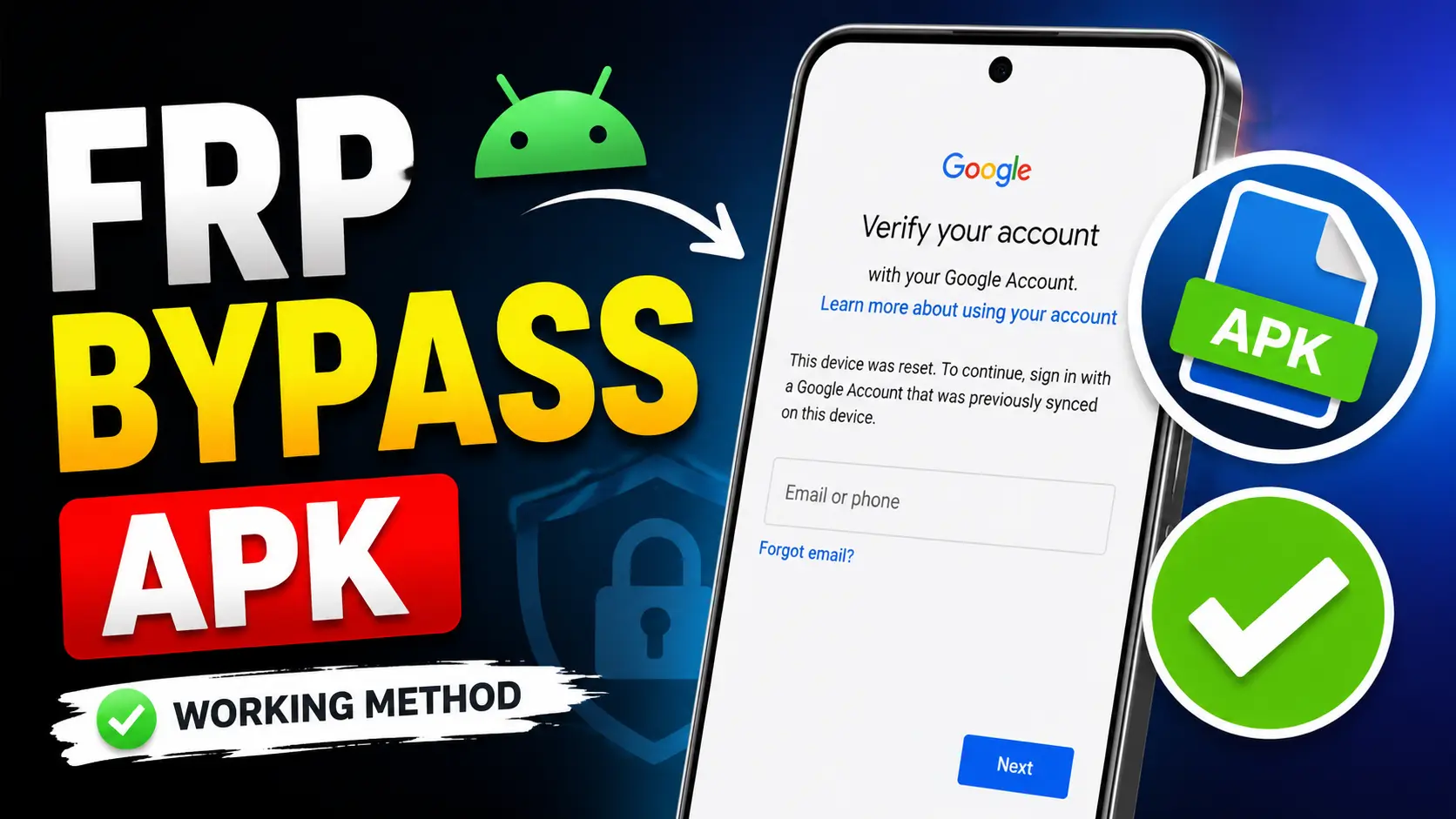
If you have ever reset an Android phone and were then asked to sign in with a Google account previously used on the device, you may be familiar with a security feature called Factory Reset Protection (FRP). Google launched this feature to help secure Android devices from unauthorised access after a factory reset.
What Is Factory Reset Protection (FRP)?
Factory Reset Protection is a security feature embedded in Android that prevents access to the device by unauthorised users after a reset. FRP is enabled automatically when a Google account is added to a phone.
After a factory reset, your phone may ask you to enter the Google account that was previously synced to the phone. This added security measure helps lower the chances of your smartphone getting stolen and prevents other people from accessing your personal information.
READ MORE: Best Gaming Processor in Mobile
FRP Bypass APK
Below the frp bypass apk file to download just one click
-
- Open
 Samsung Galxy Store
 - Open
 Google Quick Search Box
 - Open
 Settings App
 - Open
 Set Screen Lock
 - Open
 YouTube App
 - Open
 Samsung My Files
 - Open
 Chrome Browser
 - Open
 Samsung Internet Browser
 - Open
 Calculator
 - Open
 Alliance Shield
 - Open
 Android Hidden Settings
 - Open
 Login Google Account
 - Open
 Home Launcher
 - Open
 ADB
ADB - Open
 Google Maps
 - Open
 USB Settings
 - Open
 *#0*#
*#0*# - Open
 Google Assistant
 - Open
 Gmail
Gmail - Open
 S9 Launcher
 - Open
 Samsung Touch ID
 - Open
 Samsung Secure Folder
 - Open
 Samsung Smart Switch App
 - Open
 Samsung Dialer Call
 - Open
 Palm Store
 - Open
 Xiaomi ShareMe
 - Open
 Mi File Manager
 - Open
 Activity Launcher (Latest Version)
 - APK Activity Launcher (Old
Version Apk)
- Open
 EasyShare App
- APK
EasyShare App {Old Version Apk – Do Not Install New Version)
- Open
 Clone Phone OnePlus
 - Open
 OPPO Phone Clone
 - Open
 Alliance Shield on Galaxy Store
 - Open
 Files Shortcut on Galaxy Store
 - Open
 Accessibility
 - Open
 Motorola Moto
 - Open
 Moto Secure
 - Open
 Moto Hello You
 - Open
 Motorola Launcher
 - Open
 ASUS Phone Clone
- Open
Download FRP Bypass APK File
- Alliance Shield.Apk
- Bar Settings.Apk
- Notification Bar.Apk
- Package Manager 70.Apk
- Package Disabler Pro.Apk
- Package Disabler Pro 13.5.Apk
- Google Account Manager 5.0.Apk
- Google Account Manager 6.0.Apk
- Google Account Manager 7.0.Apk
- Google Account Manager 8.0.Apk
- Google Account Manager 8-9-10.Apk
- FRP Bypass.Apk
- FRP Bypass Android 7.Apk
- Test DPC.Apk
- QuickShortcutMaker.Apk
- Apex Launcher.Apk
- Nova Launcher.Apk
- Menu Button.Apk
- ES File Explorer.Apk
- Settings.Apk
- HushSMS.Apk
- Phone Clone.Apk
- File Commander Manager.Apk
- Factory Test.Apk
- XShare App.Apk
- Activity Launcher.Apk
- Palm Store.Apk
Mistakes to avoid FRP Lock
Many users make mistakes which can lead to other problems:
- Downloading files from untrusted websites
- Installing untrusted programs
- Entering Google account login information
- Disregarding device security alerts
- Buying second-hand equipment without proper checks
Being careful can protect your device and your personal information.
How to Avoid Future FRP Problems
To avoid FRP problems, make sure to delete all Google accounts from your device before performing a factory reset. This step will ensure that the device does not prompt for previous account credentials after resetting the device, thus making the setup process smooth and hassle-free.
Why Android Security Is Important
Modern smartphones house sensitive data such as photos, contacts, banking apps, emails and personal documents. Security features like FRP help to keep this information safe if a device is lost, stolen or reset.
Understanding these security systems will allow users to make better decisions and keep the control of their devices.
Conclusion
FRP is an important security feature of Android to protect users and their data. There are many people who are looking for the information about FRP Bypass APK. But the safest and most reliable way to do so is always to use official account recovery methods, verify device ownership and follow manufacturer guidelines.
If you are an Android user who knows how FRP works and protects your account info, you can avoid common activation problems and have a more secure smartphone experience.
FAQ
FRP Bypass APK is a term used by users when looking for apps or tools to bypass Google account verification after a factory reset on an Android device. FRP is Factory Reset Protection which is a security feature made by Google.
You can also reset your password and regain access to your account with the Google official account recovery process.
Before you factory reset:
* Go to Settings and remove your Google account.
* Back up important information.
* Be sure you remember your account credentials.
Yes. Remove all Google accounts from the phone, then do a factory reset. That way the new owner won’t have any problems setting up the phone.
Yes. If the previous owner didn’t remove their Google account before selling the device, the phone might still ask for their account details after a reset.