 Advertisement
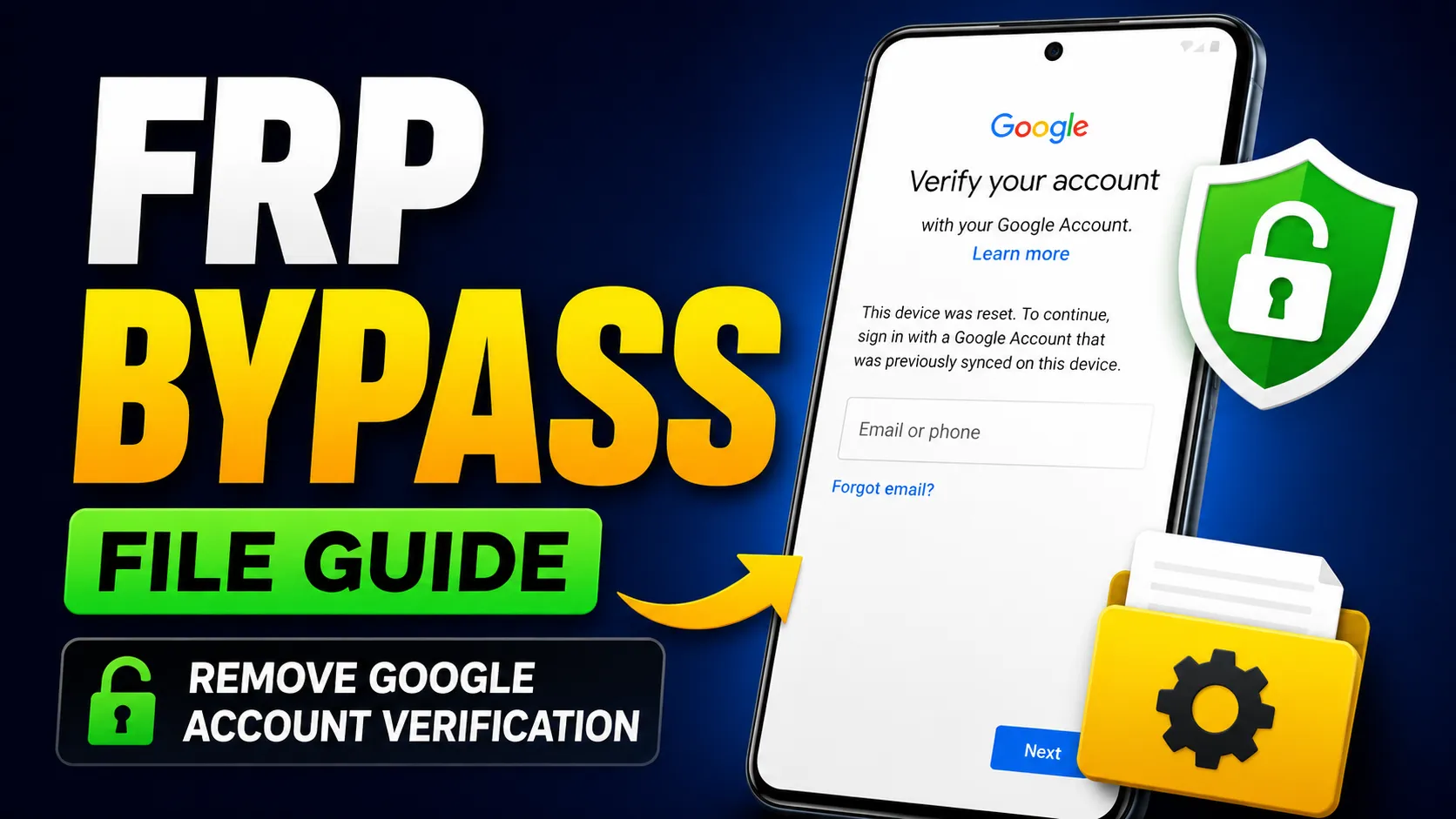
Looking for the trusted Subrata service center FRP Bypass APK solution?. Download the latest factory reset protection Tool (FRP) from subrata service center to remove Google account lock safely from any Android device. Learn step-by-step how to bypass FRP without a PC quickly and securely.
All Mobile FRP Bypass APK Download
If you’re searching for mobile FRP bypass APK download, the subrata frp bypass package includes multiple tools compatible with Android 8, 9, 10, 11, 12,13,14 and 15 Some versions come with direct APK installers, while others include USB drivers for optional PC-based unlocking. Always choose the latest version for higher success rates and better Android compatibility.
FRP Bypass Without PC
You can bypass FRP without PC using the APK installer method. After resetting your phone, follow these general steps:
- Connect the phone to a Wi-Fi network.
- Open the browser or file manager via accessibility or emergency screen shortcuts.
- Install the frp bypass apk file from download erea to bypass google account (frp) lock
- Run the app and follow on-screen instructions to unlock the Google account.
In a few steps, your device becomes fully usable again. The process saves time and eliminates the need for expensive paid tools.
FRP BYPASS APK Download
Unlike random bypass tools found online, the Subrata Service apk version is carefully tested to ensure user safety and high success rates. It doesn’t harm your phone or leak data. By combining smart bypass methods with frequent updates, this tool remains a favorite among technicians who regularly handle FRP-locked phones.
Final Thoughts
The Subrata FRP Bypass APK Tool provides a simple yet powerful way to remove FRP locks from any Android device. Whether you want to bypass Google account verification without a PC or install the free FRP Bypass APK, this guide helps you complete it safely and efficiently.